Six questions in. One email out.
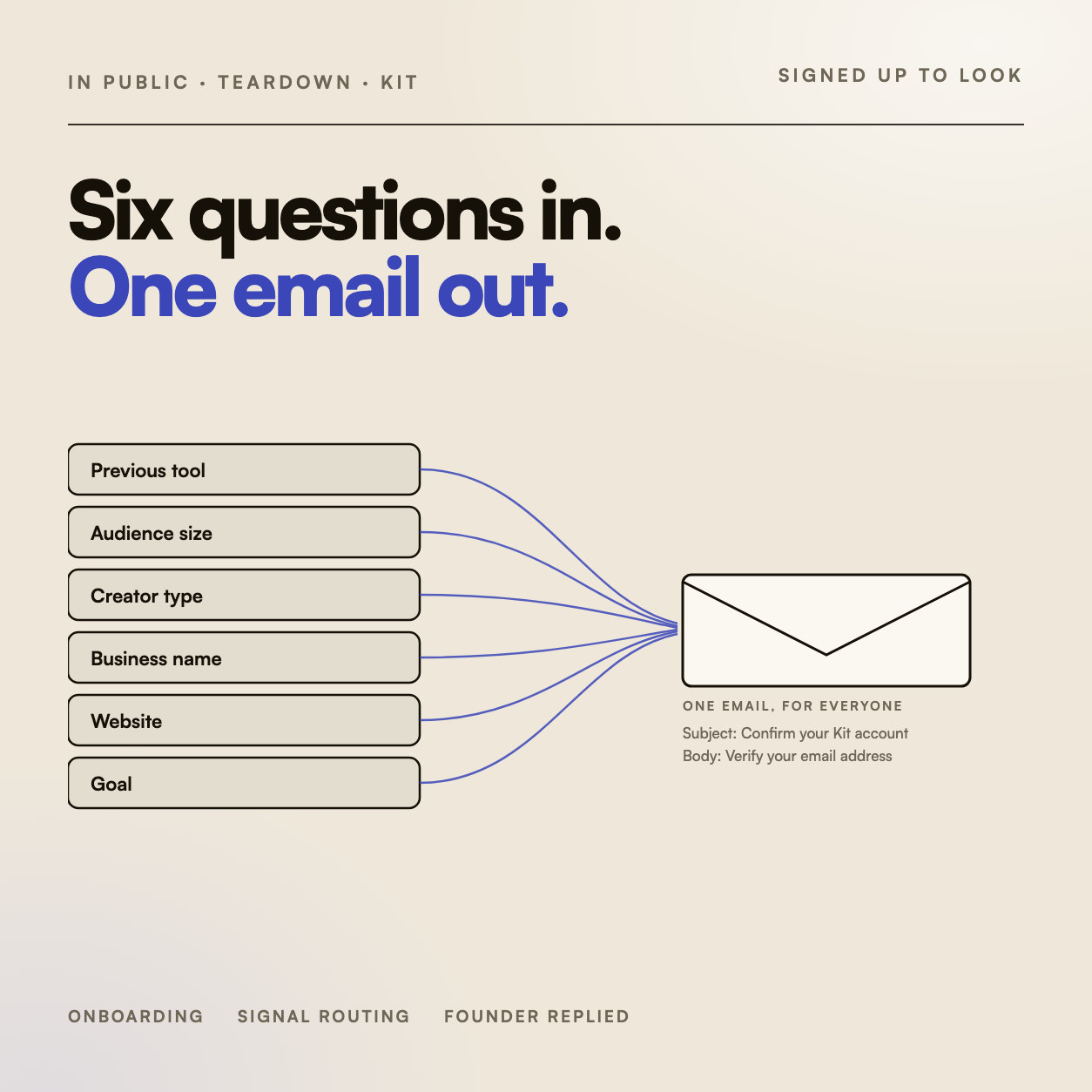
Kit asks six questions before you reach the dashboard. Then it sends everyone the same email.
I’ve been using Kit on and off for years — for my own newsletter and for clients. So I signed up again with fresh eyes and read the onboarding from scratch, the way I’d read a client account.
One thing stopped me cold.
Six questions, before the dashboard.
Before you reach the dashboard, Kit collects six things. Kit numbers them itself, in its own sidebar.
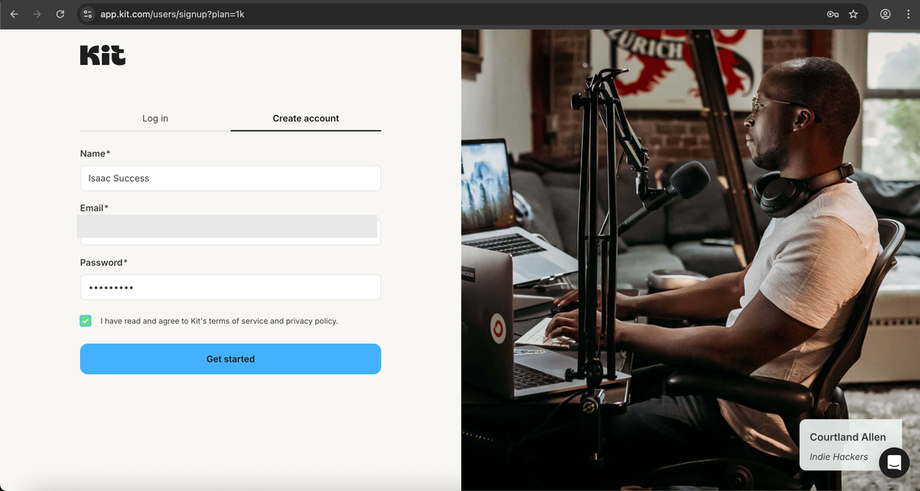
- 01AccountName, email, password.
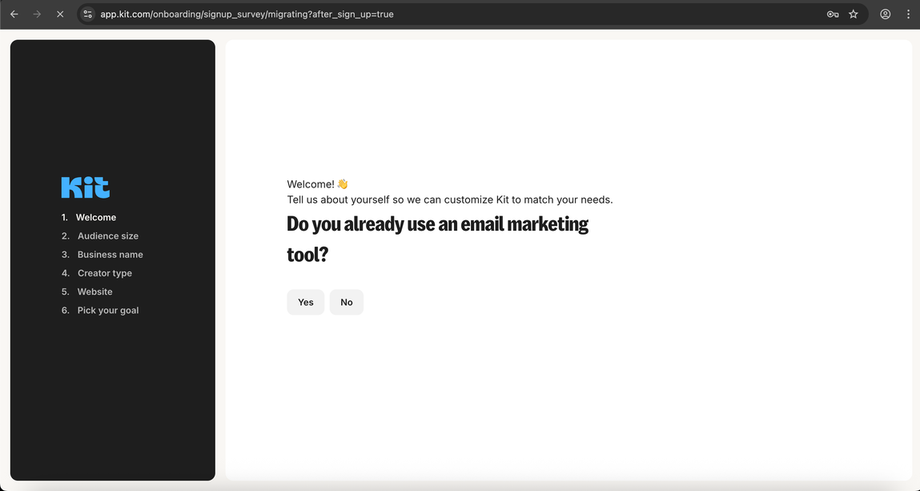
- 02Previous tool“Do you already use an email marketing tool?”
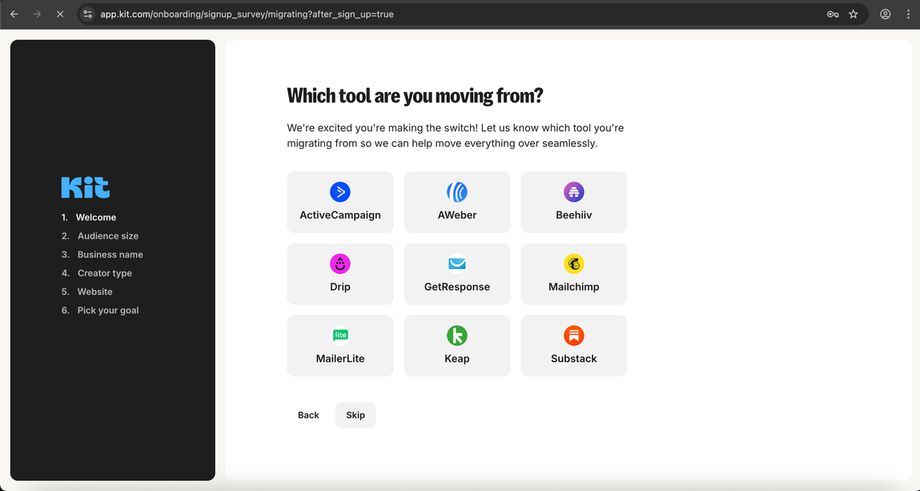
- 03Which one“Which tool are you moving from?” — nine options.
- 04Audience size“How many email subscribers do you have?” — five buckets.
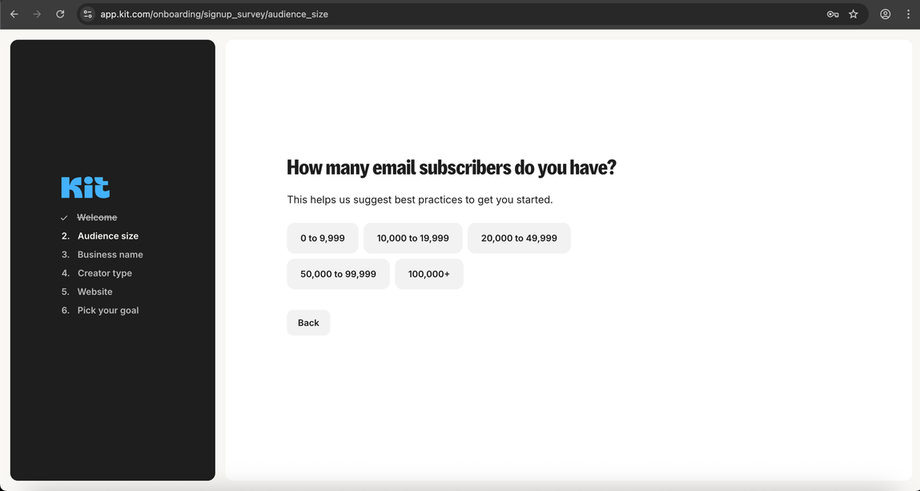
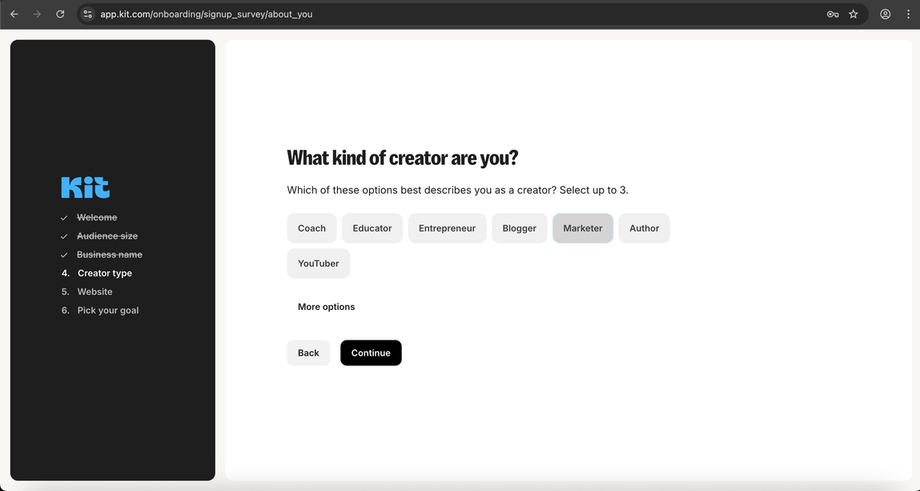
- 05Creator type“What kind of creator are you?” — select up to three.
- 06Goal“What do you hope to achieve with Kit?”
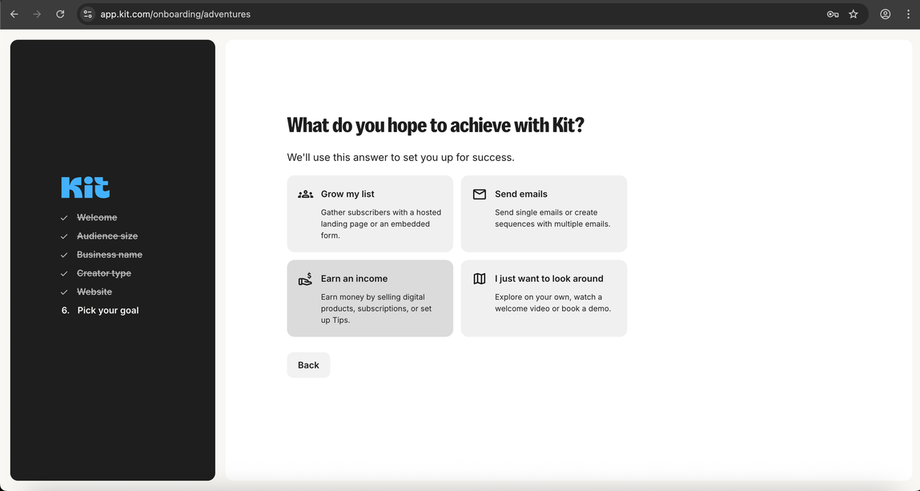
ScreenshotCaptured during signup. Kit numbers the steps itself, in its own sidebar.
The migration question alone is the highest-value signal a new user can hand over. Nine options, asked at exactly the right moment. It is a good question, well placed.
One email, and this is all of it.
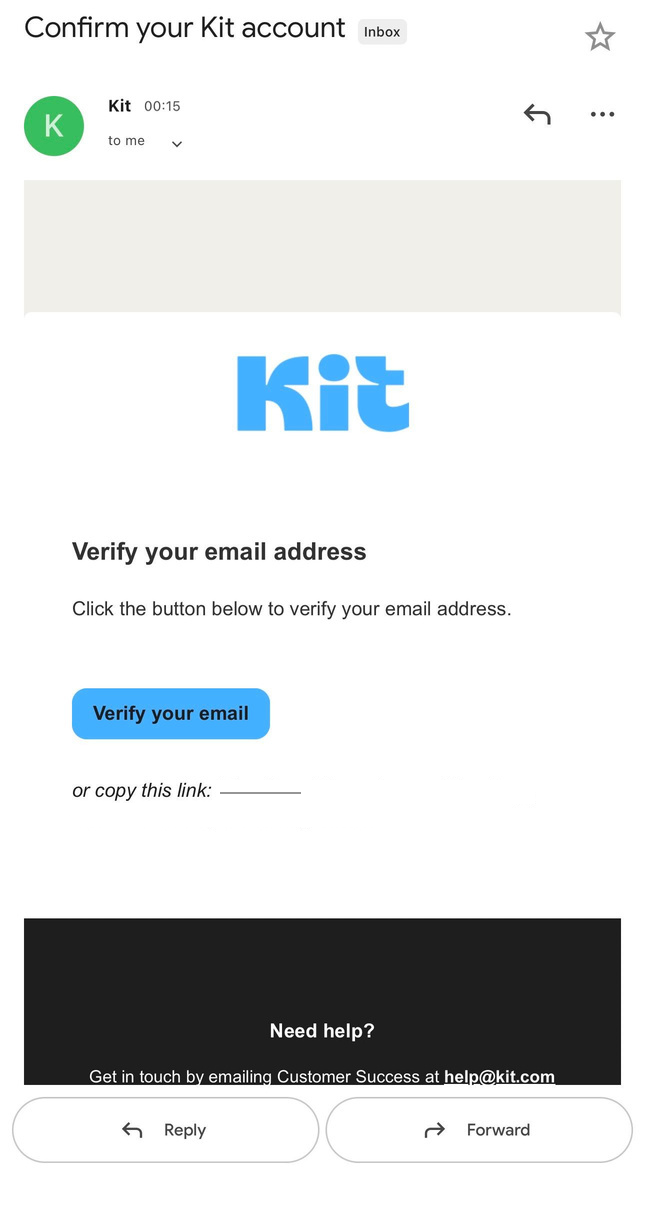
Then you verify, land back on the same dashboard, and the trial clock is running.
ScreenshotThe email, uncropped.
ObservedIt arrived about fifteen minutes after signup.
Everything it learns goes to the same place.
- Previous tool
- Audience size
- Creator type
- Business name
- Website
- Goal
A Mailchimp migrator with 50,000 subscribers and a first-time creator with none answer six questions differently and then get the same sequence. Two entirely different users. One experience.
That’s the gap: not a missing question, a missing route.
Collecting data without using it isn’t personalisation. It’s theatre.
This isn’t a Kit problem. Every signup survey that goes unused asks the user to say who they are, then talks to them like a stranger anyway.
“We could definitely do more with that data! It does personalize things in the app to make it more seamless to migrate from a specific provider. But you’re right it should change the emails as well.”
I wasn’t asked to look. He replied anyway.